How to add your custom movie data/image assets to your usheru connect when your site has multiple languages
Introduction
If you have a multi language usheru Connect website, adding your custom film assets and info is simple and easy via the dashboard. Please follow the below steps to ensure your audience sees the correct language specific information and artwork.
Steps
1. Once you have selected your film and clicked the "edit" button, you can look to the CUSTOM MOVIE DATA tab to begin uploading your data.
2. You need to first select the language you want to upload assets/movie data to, otherwise if you don't select one, the assets you upload will show for all users regardless of the language they choose on your site. All of the languages enabled on your website will appear within this language dropdown field and if you are interested in adding a new language to your usheru Connect, please contact clientsupport@usheru.com.
.png?sv=2026-02-06&spr=https&st=2026-07-15T16%3A36%3A10Z&se=2026-07-15T16%3A48%3A10Z&sr=c&sp=r&sig=xyQ6cVH%2B0NWTCTHqaCyW0BWOevJRPqAjfV%2BrGRl1TF0%3D)
When editing a film for the first time, under the CUSTOM MOVIE DATA tab below the synopsis, first click CREATE.
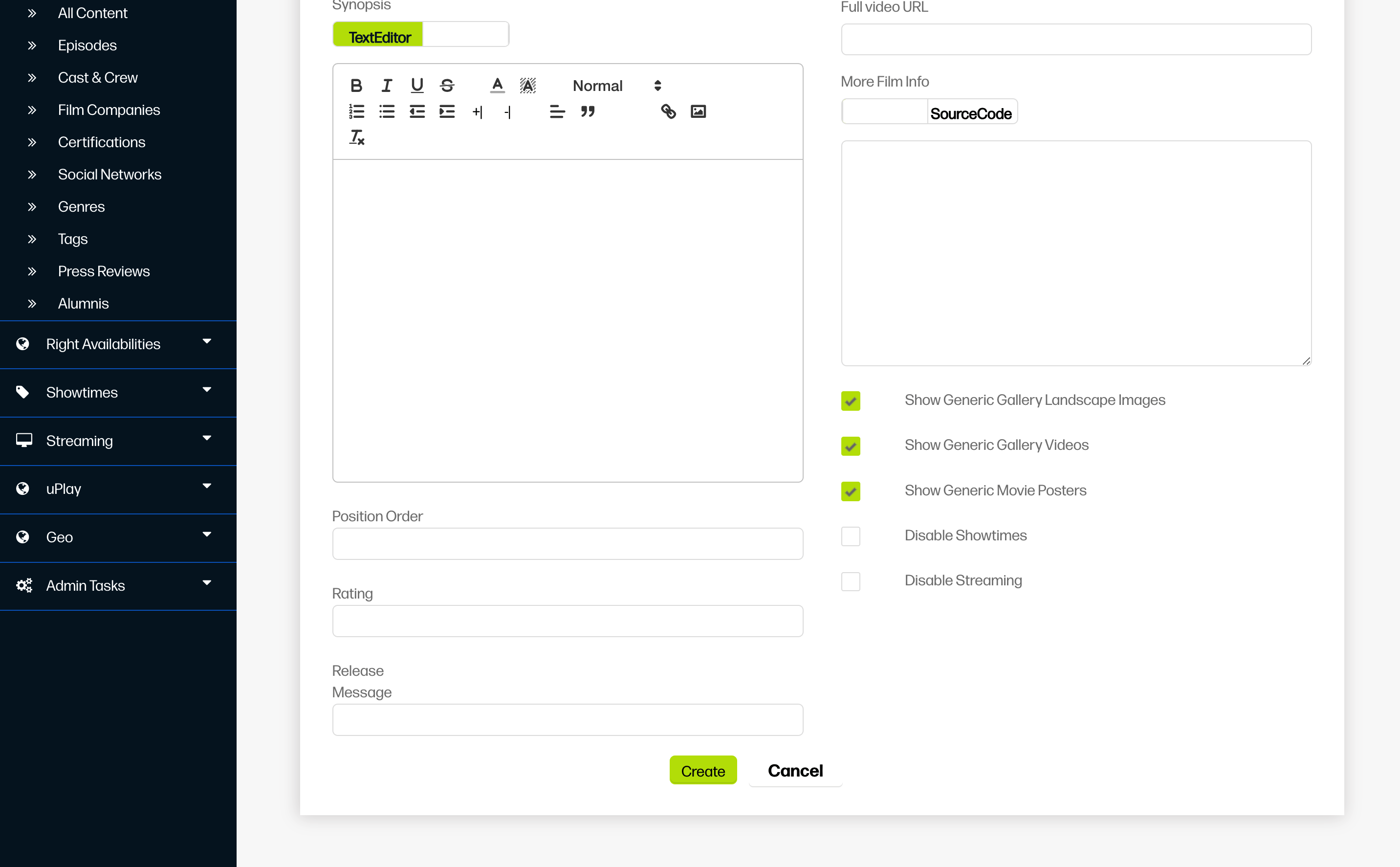
Then you will see all the options for adding assets, personalising the cast and crew display and adding tags for your films.
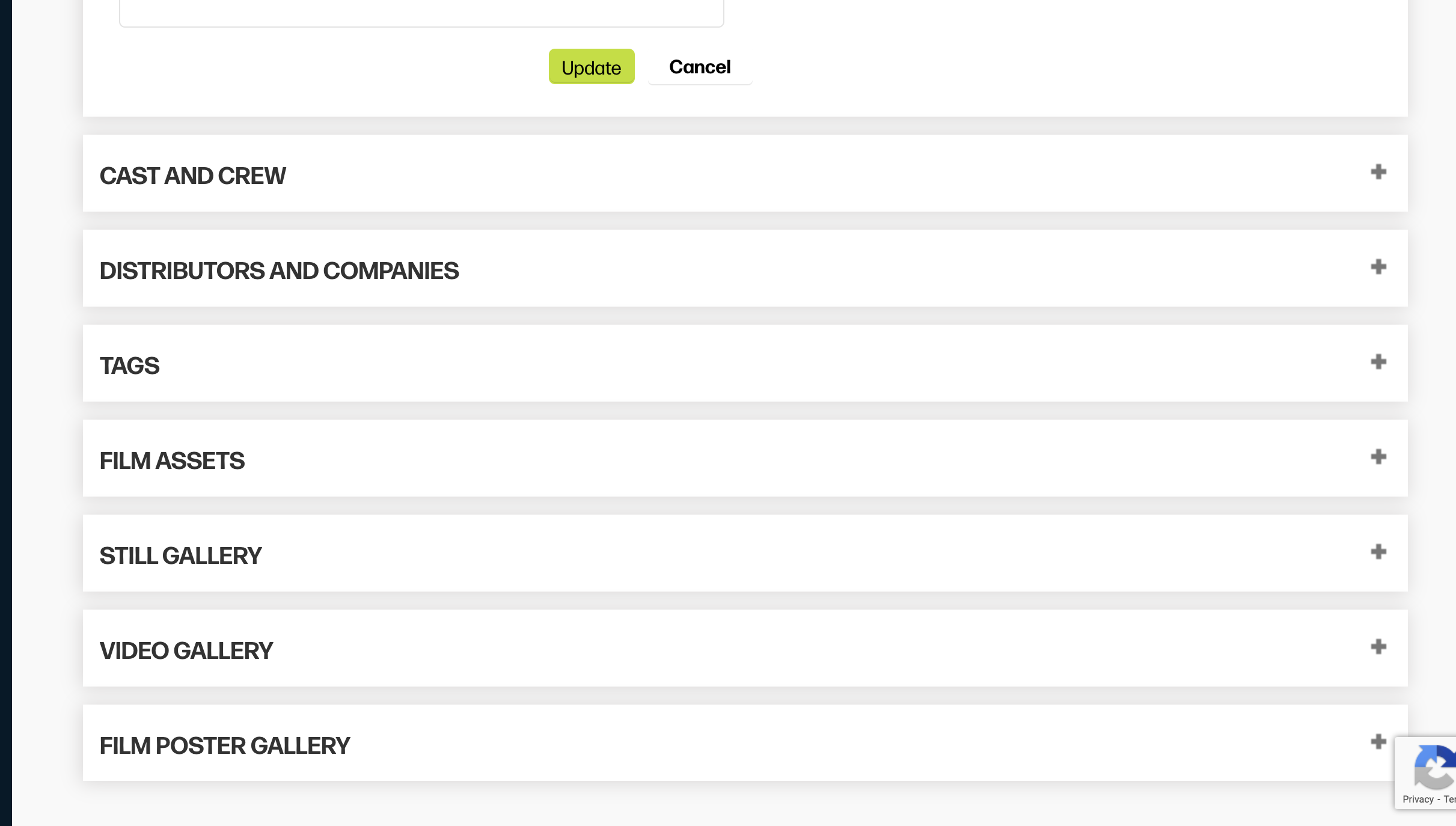
NOTE: Under Custom Movie Data, everything you add is restricted to only your own site. The other sections display usheru's main database information, meaning it can be used by any usheru client website (including yours).
3. Now you can begin uploading your assets for each language, like your synopsis, release message, film assets (poster and tile image) trailer link and even a language specific gallery. You can check out this article for more information on how to upload custom assets and this article for image specifications.
To update the title of the movie for one of your particular languages, you should go to the tab Translations as described in this article. For some movies we will already have this translated title but this can be manually updated.
.png?sv=2026-02-06&spr=https&st=2026-07-15T16%3A36%3A10Z&se=2026-07-15T16%3A48%3A10Z&sr=c&sp=r&sig=xyQ6cVH%2B0NWTCTHqaCyW0BWOevJRPqAjfV%2BrGRl1TF0%3D)
If you want to add a mp4 trailer file rather than a youtube link for your film this will also have to be added via the translation menu and must be under 100mb. All other assets can be added directly via the custom movie data tab under each language. If you have any issues with this, please contact client support who will be able to assist you.
Summary
With usheru Connect, adding language-specific film assets and information is simple and streamlined. By selecting the correct language and using the Custom Movie Data and Translations tabs, you can ensure your audience sees the right synopsis, images, trailers, and titles for their language. This keeps your site polished, professional, and fully tailored to a multilingual audience, while giving you complete control over your content.