A step by step guide to adding image assets to a movie in the usheru Dashboard including size restrictions
Introduction
This article outlines the steps to add your own custom image assets for a film via the Custom Movie Data section in the Film edit menu of the usheru dashboard. While you will see our generic artwork assets in the ‘Assets’ tab you can upload your own custom artwork which will override any generic data in our database to display on your usheru Connect film pages.
Steps
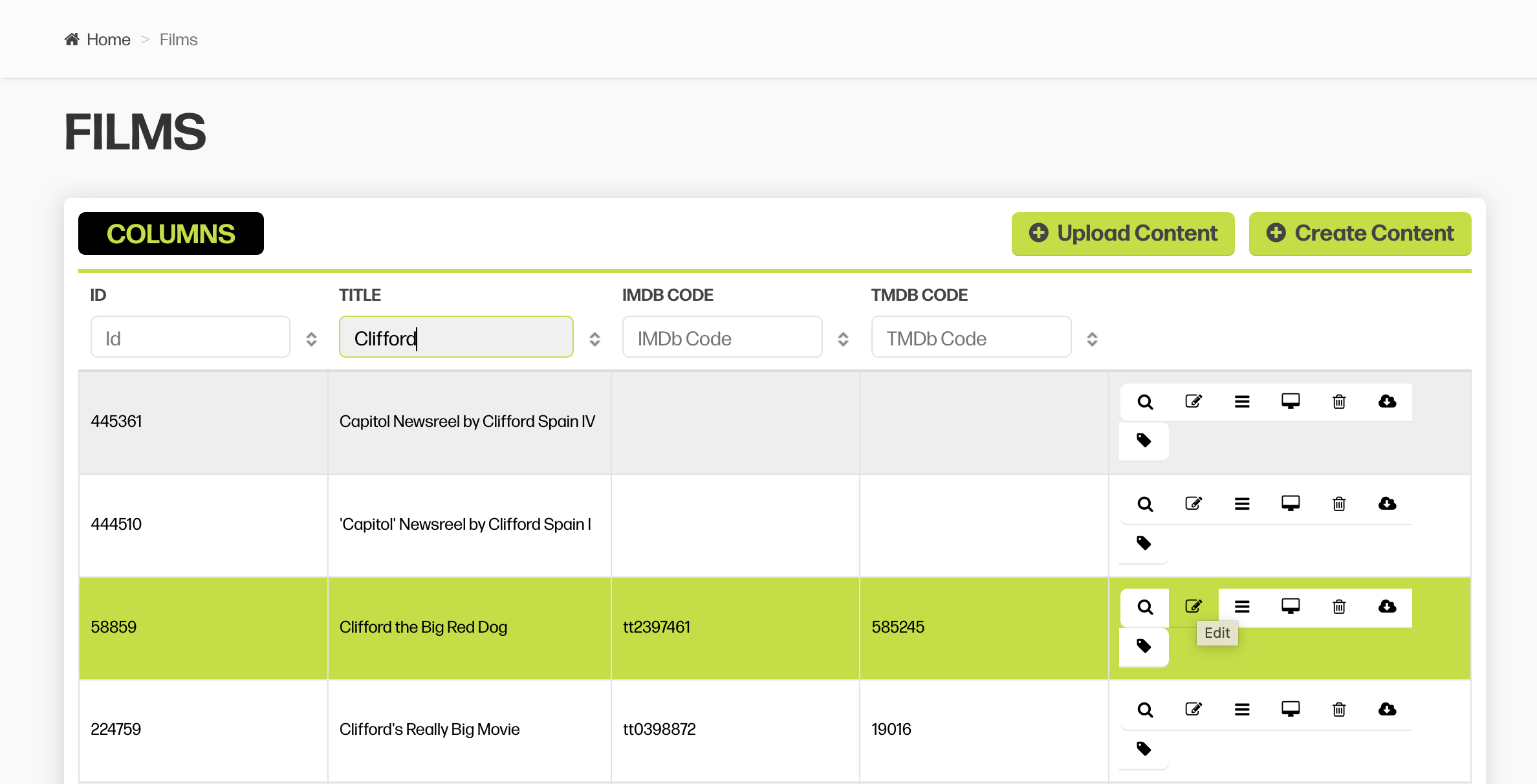
1. Go to the dashboard - 'Films' and click into the Film or TV tab
2. Find title you want to edit and click the box with the pencil in it to edit
3. You'll first land on a tab labelled 'CUSTOM MOVIE DATA'. This is where you will add all of your information and artwork assets. You must first click 'Create' to begin adding custom data and assets.
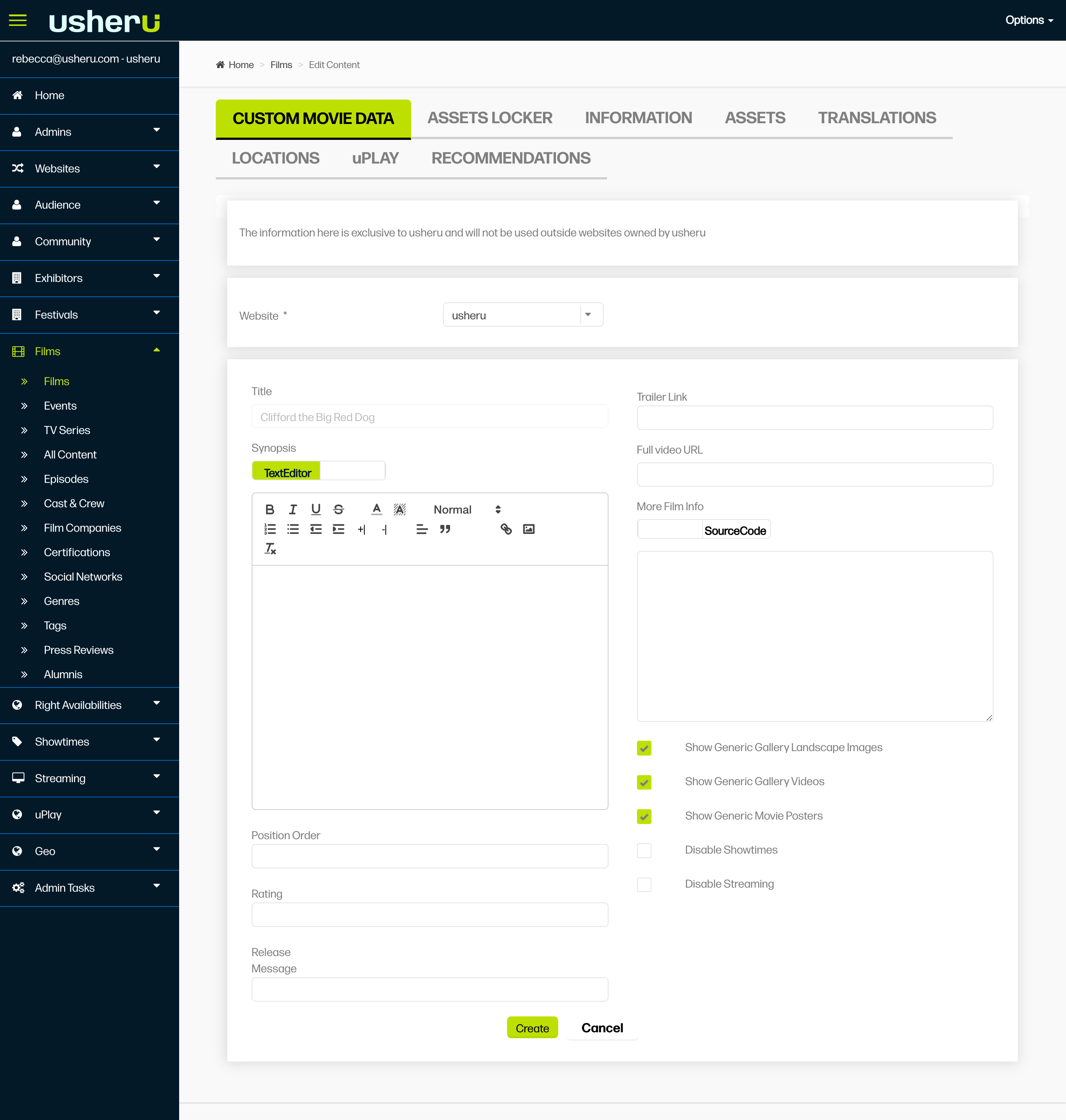
4. This will then create the below options- Scroll down and select Film Assets
.png?sv=2026-02-06&spr=https&st=2026-07-15T15%3A36%3A18Z&se=2026-07-15T15%3A47%3A18Z&sr=c&sp=r&sig=lt6D61eCwq7UFHePMR4dmVFTE%2Bpf%2BX2nEeXMSlEdWF0%3D)
5. Asset sizes and where they are used
Portrait Image - 780 x 1155 px
Main poster on the movie detail page, homepage sliders.Film Still - 1920 x 1080 px or 16:9 aspect ratio
Used across the site as the key landscape image for the film. Used on:catalogue pages
homepage sliders
video thumbnail
main image on the movie detail page
Title Treatment - max width 450 px
Used on movie detail page and/ or homepage videos (Website Videos) unless this has been set otherwise. Please talk to the client support team for more information
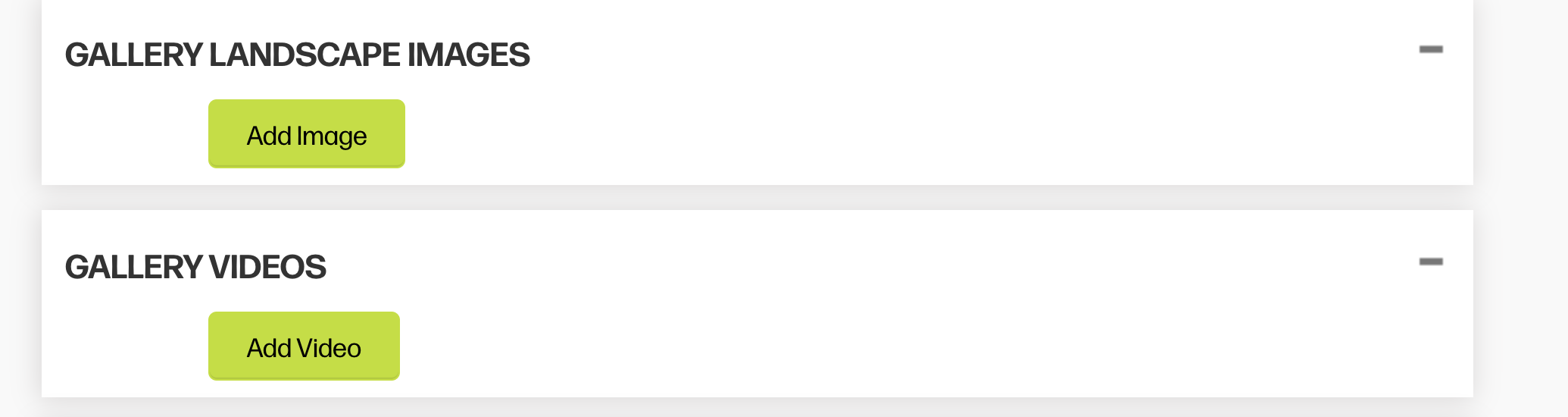
Additionally, you can add high quality gallery images and videos in the sections below
PLEASE NOTE: If your website is available in multiple languages and you want to display translated assets,check out this article.
Conclusion
Adding custom image assets through the Custom Movie Data tab lets you showcase your films exactly how you want across your usheru Connect site. By following the size recommendations for portrait images, film stills, and title treatments, your content will display beautifully on film pages, homepage sliders, and catalogue listings. For multilingual sites, remember to upload language-specific assets so every audience sees the right version.